P+Rail app.

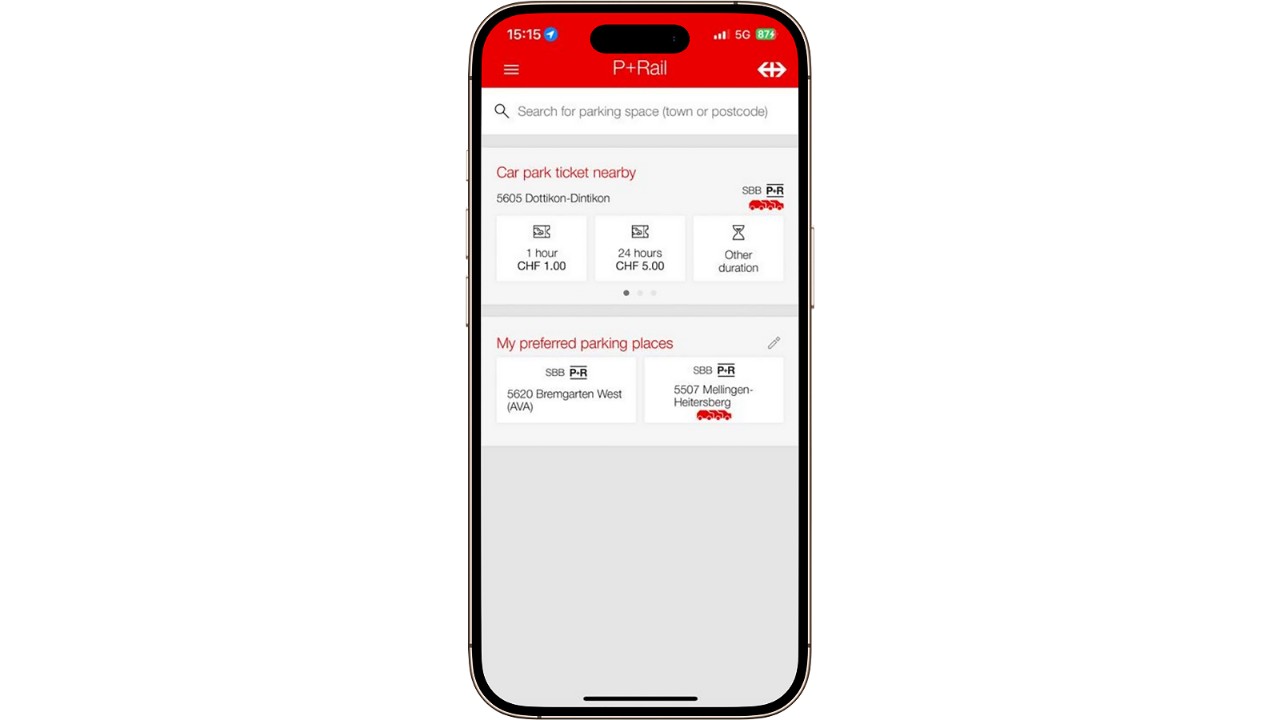
With the P+Rail app, select your P+Rail facility and pay for the hours or days you want easily from home, on the move or after you have parked your vehicle. This way, you have the parking meter with you at all times on your smartphone.
Benefits of the P+Rail app.

  • Flexible car park tickets from anywhere.

    Buy your ticket for parking easily, quickly and simply with your smartphone – without queuing or searching for coins.

  • Park for longer than planned.

    If you wish to park for longer, you can extend the validity period on the app from anywhere in the world. P+Rail day tickets for a maximum of 7 days.

  • Save time with personalisation.

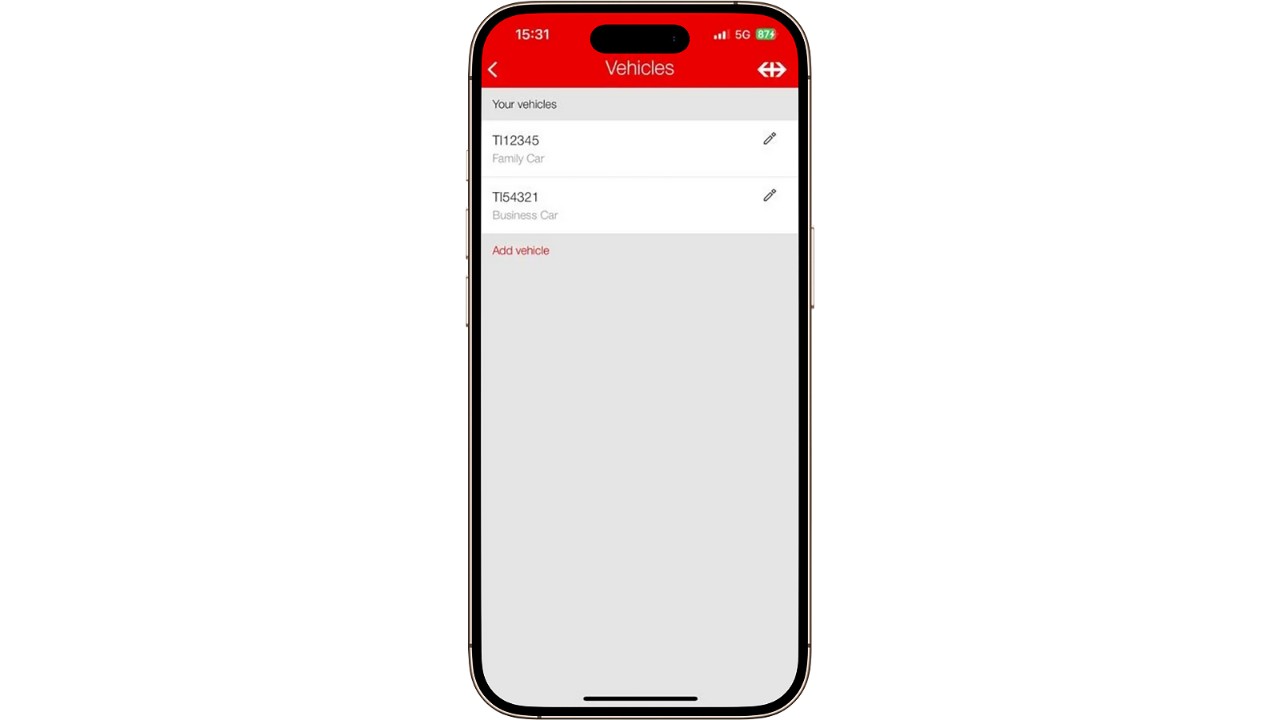
    Set up your favourite location in the P+Rail app and save several car registration numbers.

  • Find a car park easily.

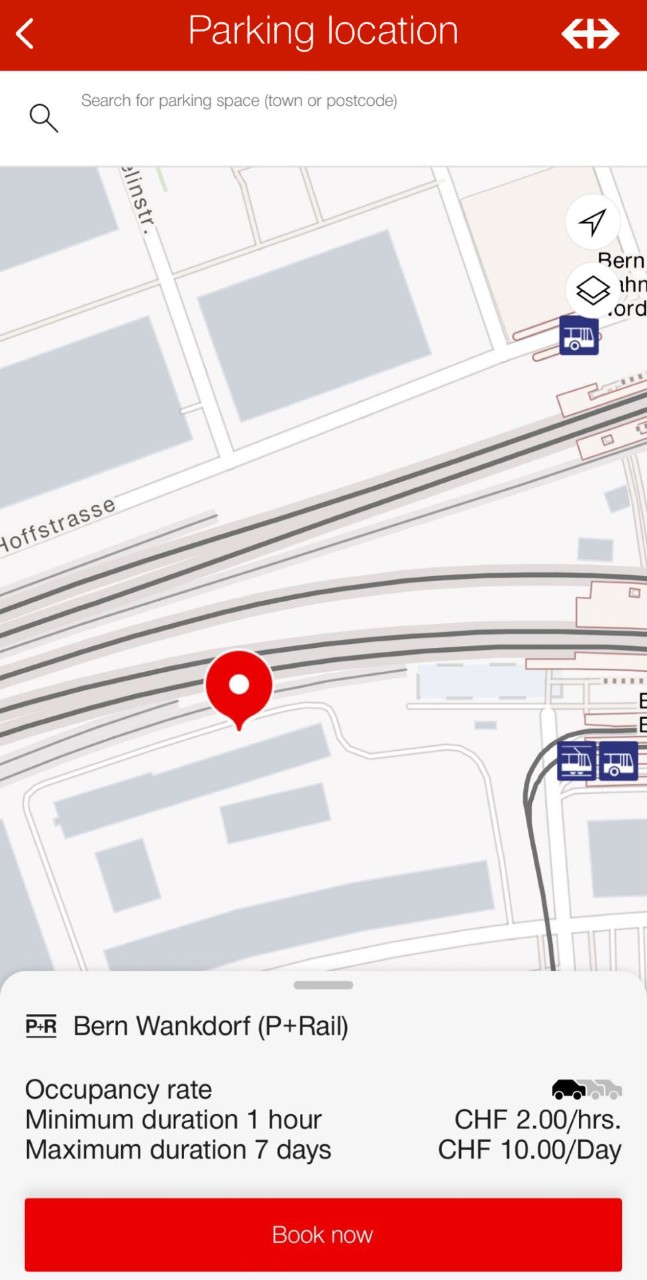
    The P+Rail app shows you P+Rail facilities nearby.

Download the app and use your SwissPass login.

  • Search for ‘P+Rail’ in the Google Play Store (Android) or App Store (iOS) and download the app. Downloading is free of charge.
  • Sign in with your SwissPass login.
  • If you do not have a SwissPass login, you can register directly. Get help with the registration process under Help and Contact.
  • In the menu, enter one of the available payment methods (Twint, Apple Pay, Mastercard, Visa, American Express, PostFinance Card, Diners Club or Reka).
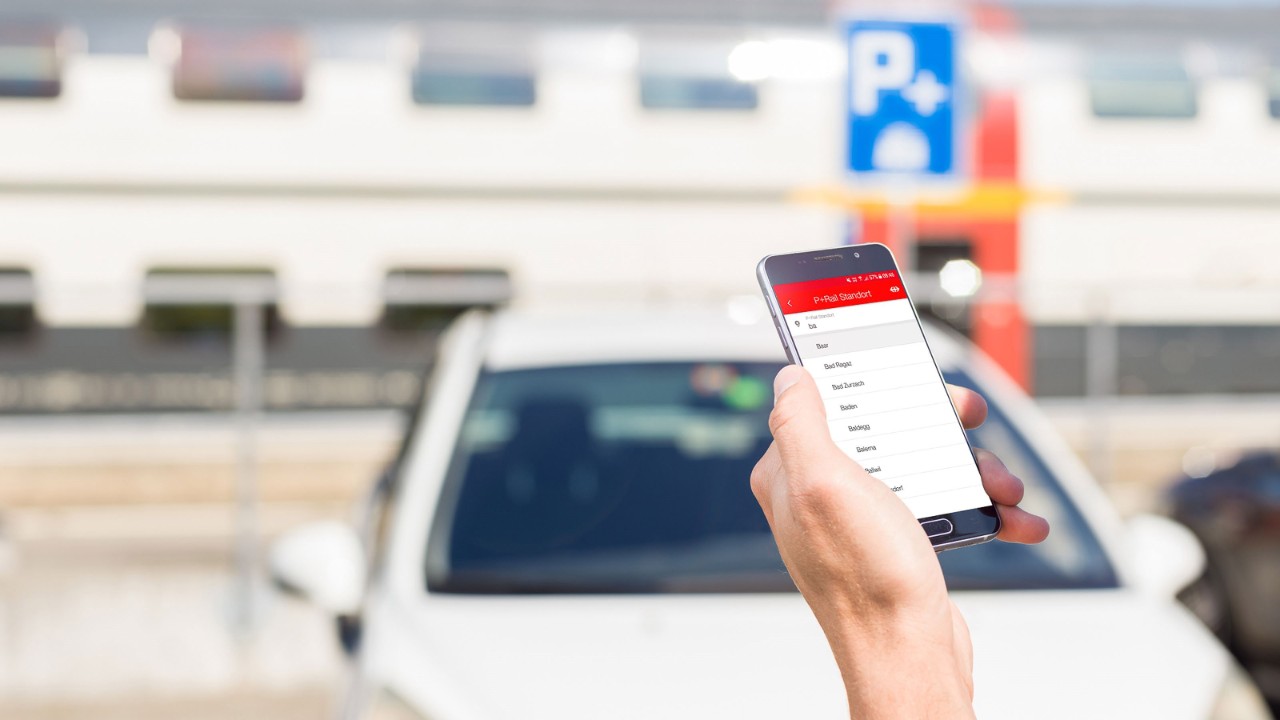
  • Search the list for your preferred P+Rail location.

Enter number plates(s).

Number plate(s) can be entered or edited in the menu under ‘Manage vehicles’ or during the purchase process.

Select vehicle and parking duration.

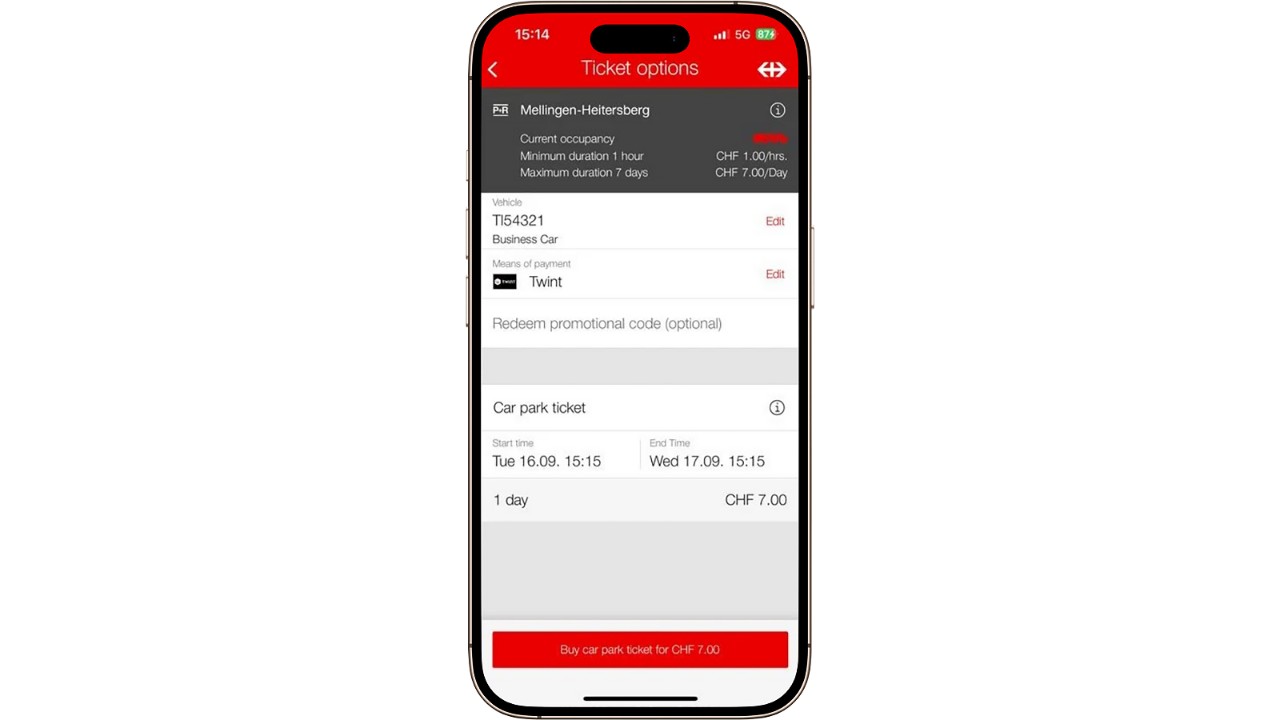
  • When you have selected the P+Rail facility you want, you can select the vehicle and payment method on the booking screen.
  • You can pay for your parking tickets with Twint, Apple Pay, Mastercard, Visa, American Express, PostFinance Card, Diners Club and Reka. You can also use the payment methods saved in the SBB Mobile app to pay in the P+Rail app and vice versa (with the exception of monthly invoicing and Half Fare Travelcard PLUS).
  • Once the parking start and end times have been entered successfully, the correct car park ticket will be calculated automatically. Complete the purchase process by tapping the ‘Buy ticket’ button.
  • Please note that you do not have a right to a parking space even if you buy a ticket in advance (no refunds). We recommend that you park your car first and then buy your parking ticket.

Do you have questions about registration in the P+Rail app?

Download SBB P+Rail App now.

Don’t yet have P+Rail on your smartphone or tablet? Then download the free app. With your SwissPass login, you can purchase both your public transport ticket and your P+Rail ticket. You can also use the payment methods saved in SBB Mobile to pay in the P+Rail app or the reverse (with the exception of monthly invoicing and the Half Fare Travelcard PLUS).