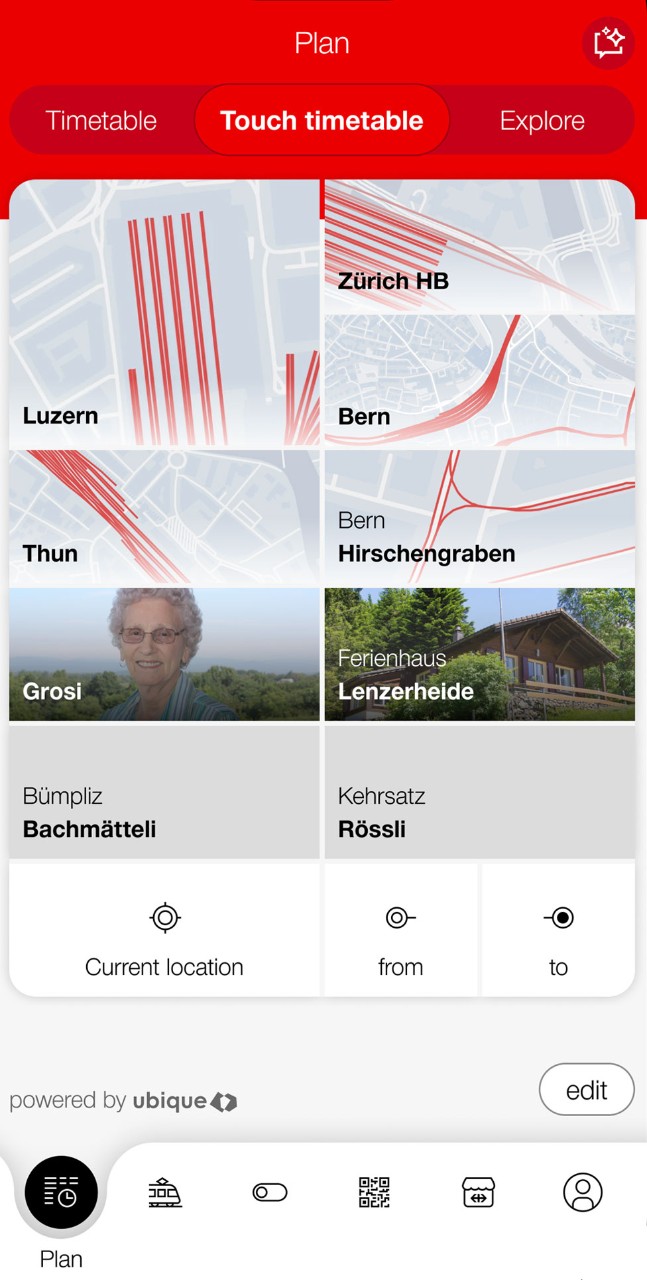
SBB Preview – always be the first to test the latest features.

In the SBB Preview app, with the help of our customers, we test new and innovative features that we would like to introduce in the SBB Mobile app. Around 250,000 Preview customers help us out with this every day.
Now on SBB Preview: travel companion.

The revised travel companion provides the basis for integrated and secure support right in the app itself. It enables us to provide you with help and information from your home, along the entire mobility chain and all the way to your destination – even in the event of a disruption. That’s real door-to-door support.

  • When you buy a ticket, the corresponding journey is saved in the ‘Trips’ tab.
  • Even if you don’t buy a ticket, you can save your journey manually via the timetable.
  • The map, with its dynamic zoom area, forms the central element of the travel route; helping you with changes and walking routes.
  • All travel steps – past, current and future – can be easily accessed by swiping and contain all relevant information.
  • Under each step of the journey, there is valuable additional information – e.g. train formation, transfer information, line numbers, directions, etc.
  • Disruption alerts, which may warn of delays or platform changes, are displayed clearly and prominently.
  • By activating push notifications for SBB Preview, you can also proactively receive information about delays, disruptions and changes during your journey.
  • The built-in feedback form allows you to give feedback and help with the continued development of the function.

Now on SBB Preview: new features in the timetable.

  • Trips can now be saved using the Star button.
  • Journey planning has been enhanced with the Maps button, which offers a clear illustration of the trip.
  • In the trip overview, you can view your selected trip in travel mode – including a map view of the entire route and individual sections of the route. This offers you the best orientation to help you plan your journey, along with additional information and a detailed illustration of all journey steps.

New in SBB Preview: ‘Explore’.

This is a video guide. A text explanation will follow afterwards.

The ‘Explore’ launchpad offers you ideas for leisure and holiday travel in Switzerland and our neighbouring countries. You can compare prices and buy tickets and reservations right away. Get inspired.

  • Compare prices easily via the calendar view.
  • Select a travel date for an outward journey or a from-to date for a return journey.
  • Enter the details of your travelling companions.
  • Select the connection and the ticket that you want.
  • Reserve your seats (seat selection via the coach plan will follow at a later point).
  • Check your journey details and finalise your purchase.
  • During the journey, you will receive all information in the ‘Trips’ tab.

On Board Information is your trusty travel companion.

Let the On Board Information function – or OBI for short – accompany you in real time. Alongside relevant information about your current journey, it also provides you with a whole range of innovative functions. On Board Information is available to you exclusively as an SBB Preview user. 

Ready to set off with OBI.

  • OBI operation is based on Bluetooth recognition. So as an SBB Preview user, you have to enable the use of Bluetooth for SBB Preview in your device settings.
  • OBI works on trains that are equipped with beacon technology. This is currently the case on the following SBB trains: InterCity, InterRegio, EuroCity.
  • OBI can be found in the ‘Trips’ tab in the section for single trips. The ‘Live’ symbol will draw your attention to the function.

Map view with your current position and the overall route of the train.

Track your journey in real time.

  • Orientate yourself on the map using the current position of the train.
  • Be inspired and see the overall route of the train.

Customer information about the train: the train’s next stop, arrival times, disruptions to the train’s service.

Your travel companion has all the relevant information.

  • Get information about the train’s next stop, arrival time and arrival platform.
  • If there are any disruptions to your journey, you will also find any necessary information here.

Option to share your position on the train with someone, making it even easier to meet on the train.

Agreed to meet up on the train? No problem!

With OBI, you can share your position on the train – right down to which coach you are travelling in.

Ecocalculator for the entire train route.

Travel in an environmentally friendly way by train.

Find out how much you are saving in terms of energy, CO2 and travel time compared to travelling by car.

Information about shops and services as well as opening hours at your next arrival station (if available on SBB.ch).

Do your shopping directly at your arrival station.

Find information about the shops and services at your next arrival station.

How do you like On Board Information?

Use the built-in feedback form to help further develop the function. 

Stay ahead of the game with SBB Preview.

Want to always be the first to try out the latest features of the SBB app? Then download our SBB Preview app from your app store now. On SBB Preview, we develop and test the future of our apps alongside you and all our other SBB Preview customers. 

Give feedback in the SBB Community.

Test and rate the new functions and give us your feedback and suggestions for improvements in the SBB Community. Your input will play a major role in helping to make SBB Mobile even more user-friendly and attractive.

Do you have any questions?

Answers to the most frequently asked questions about SBB Preview are available in the help and contact area.